How it works
Set up once, glance forever.
Add your addresses
Enter your home and work addresses, or hit "Use Where I Am" to pin the exact spot instead of a geocoded guess. Arrival takes over from there.
Glance at your menu bar
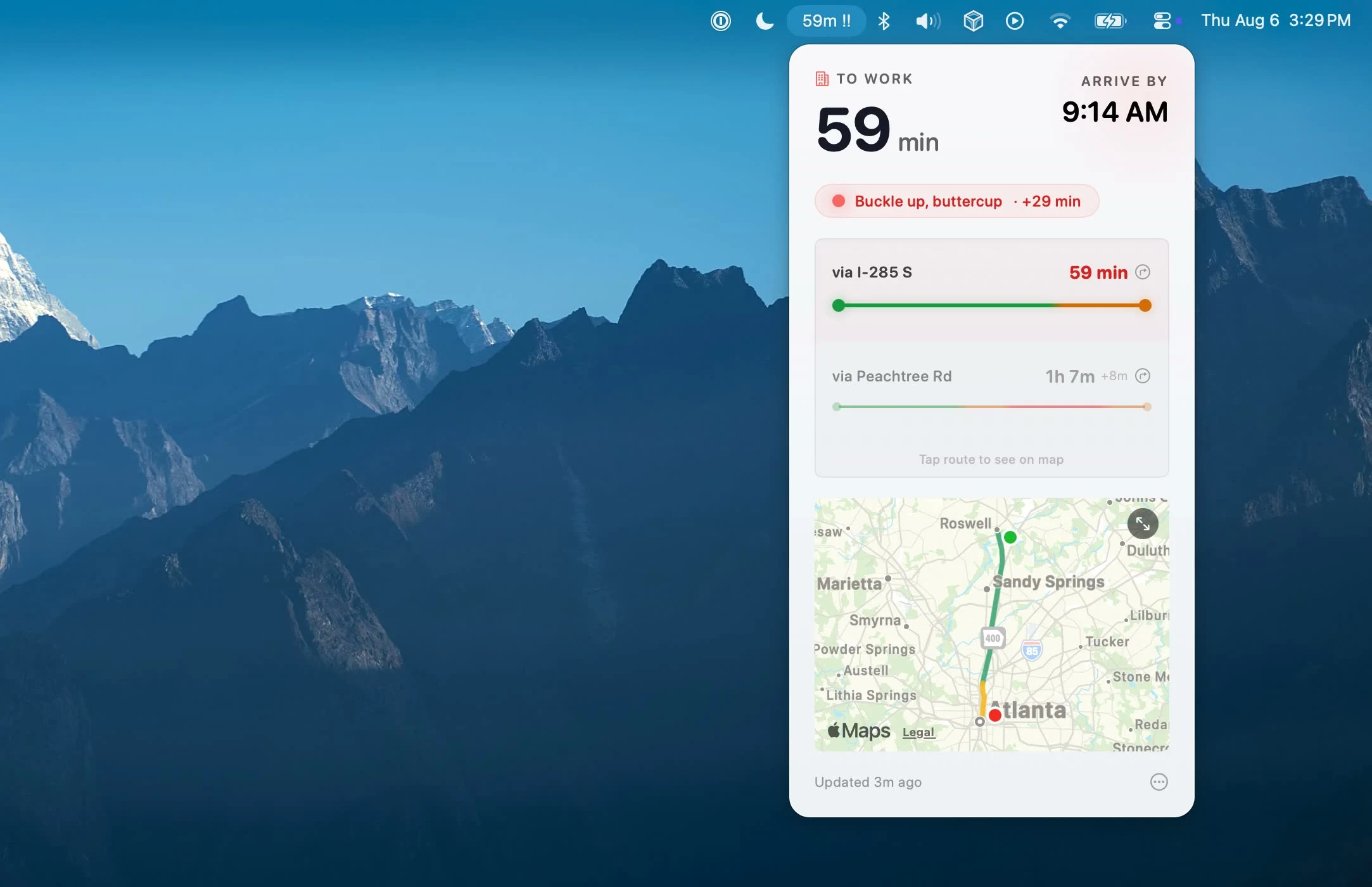
Your drive time lives at the top of your screen, always. As traffic builds the marker escalates: a calm dot, then a warning triangle, then double bars.
Click for details
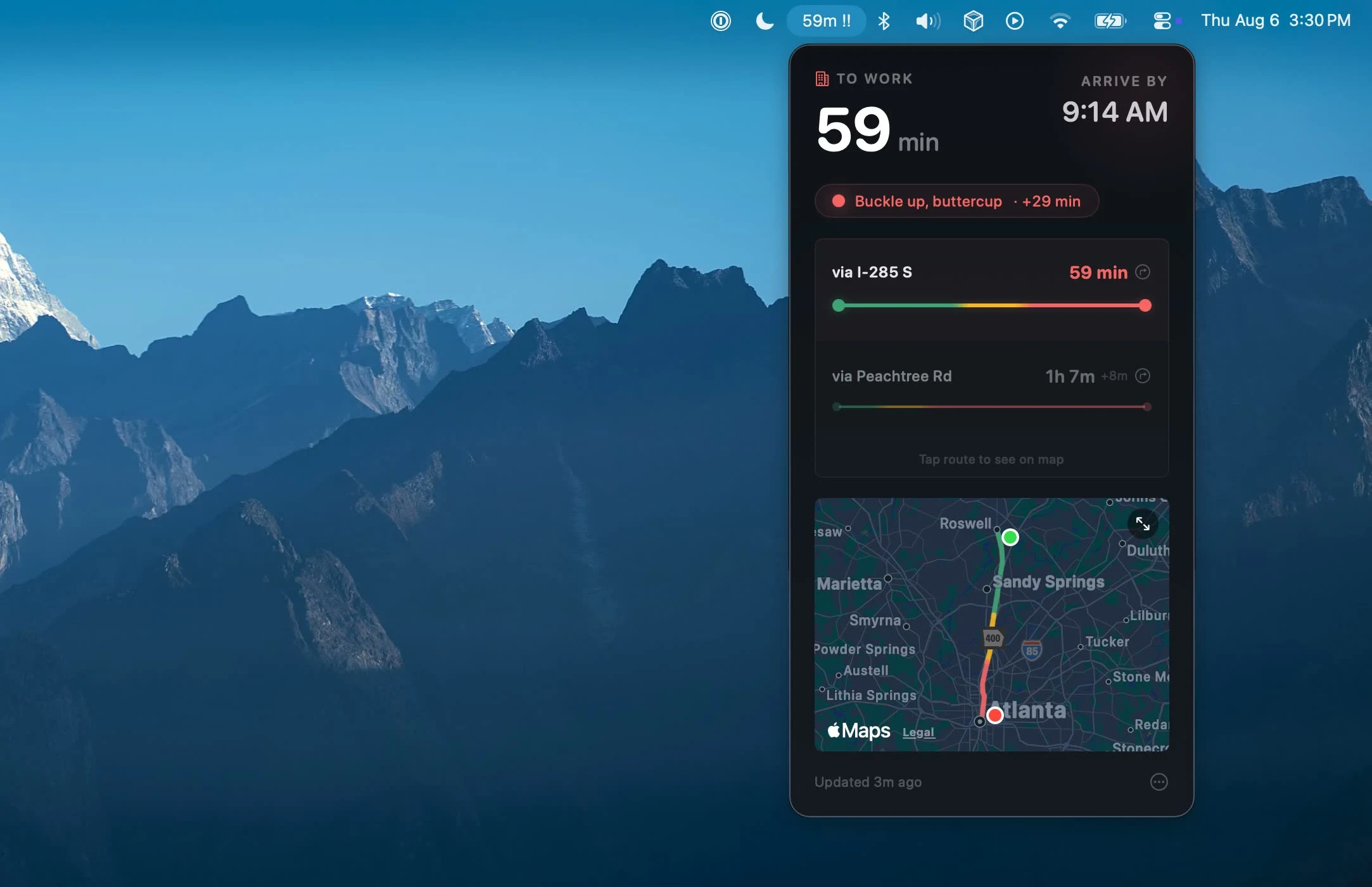
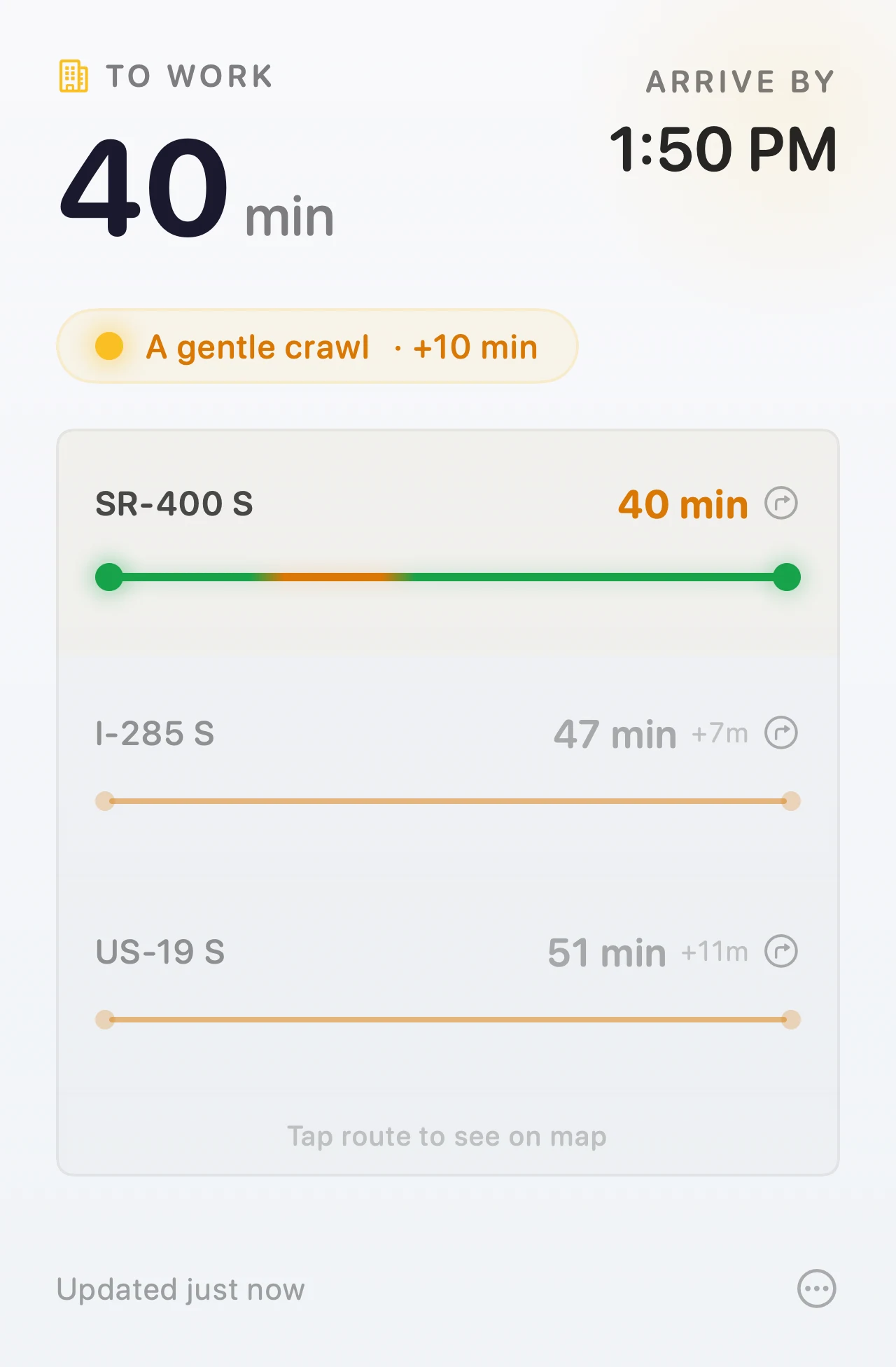
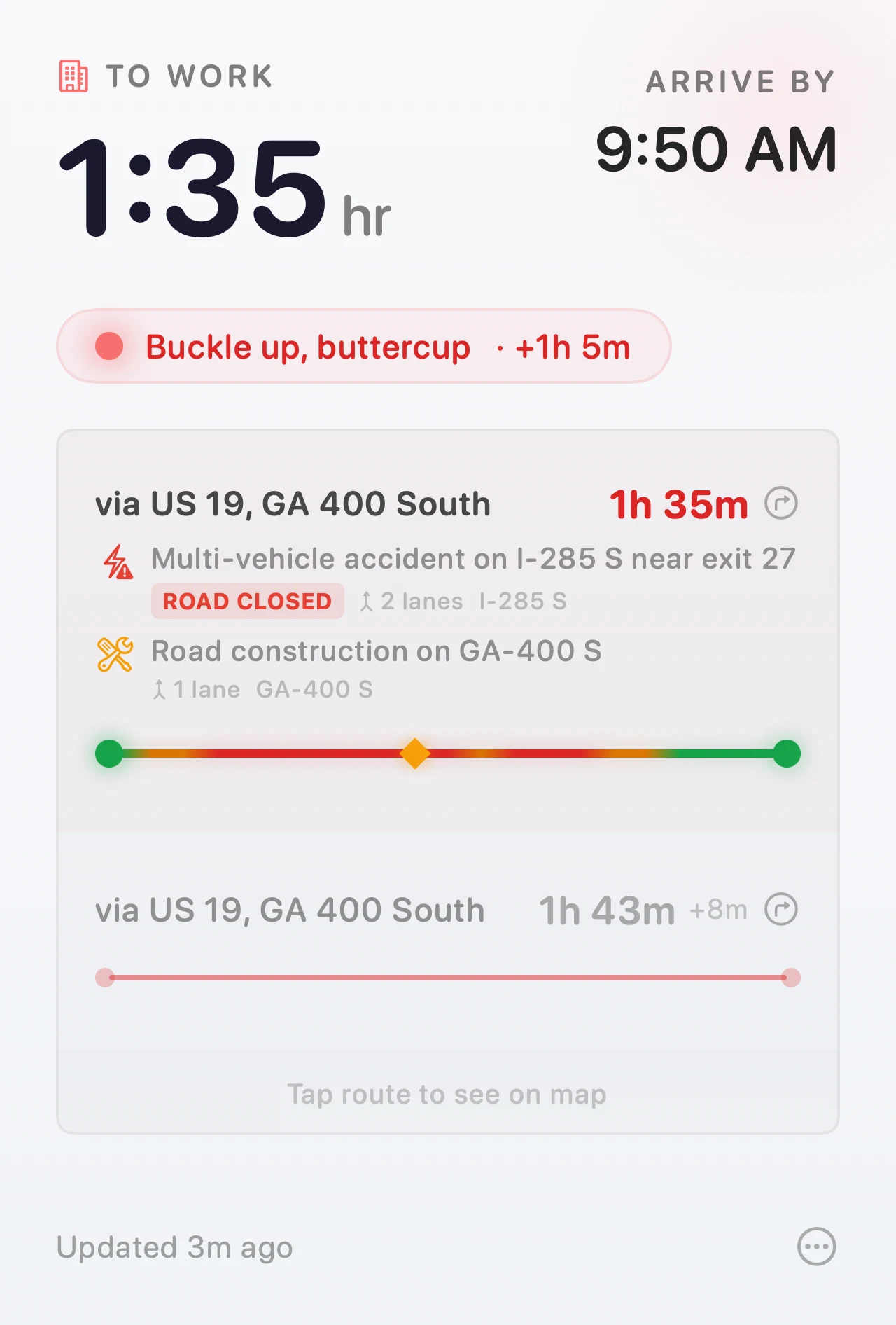
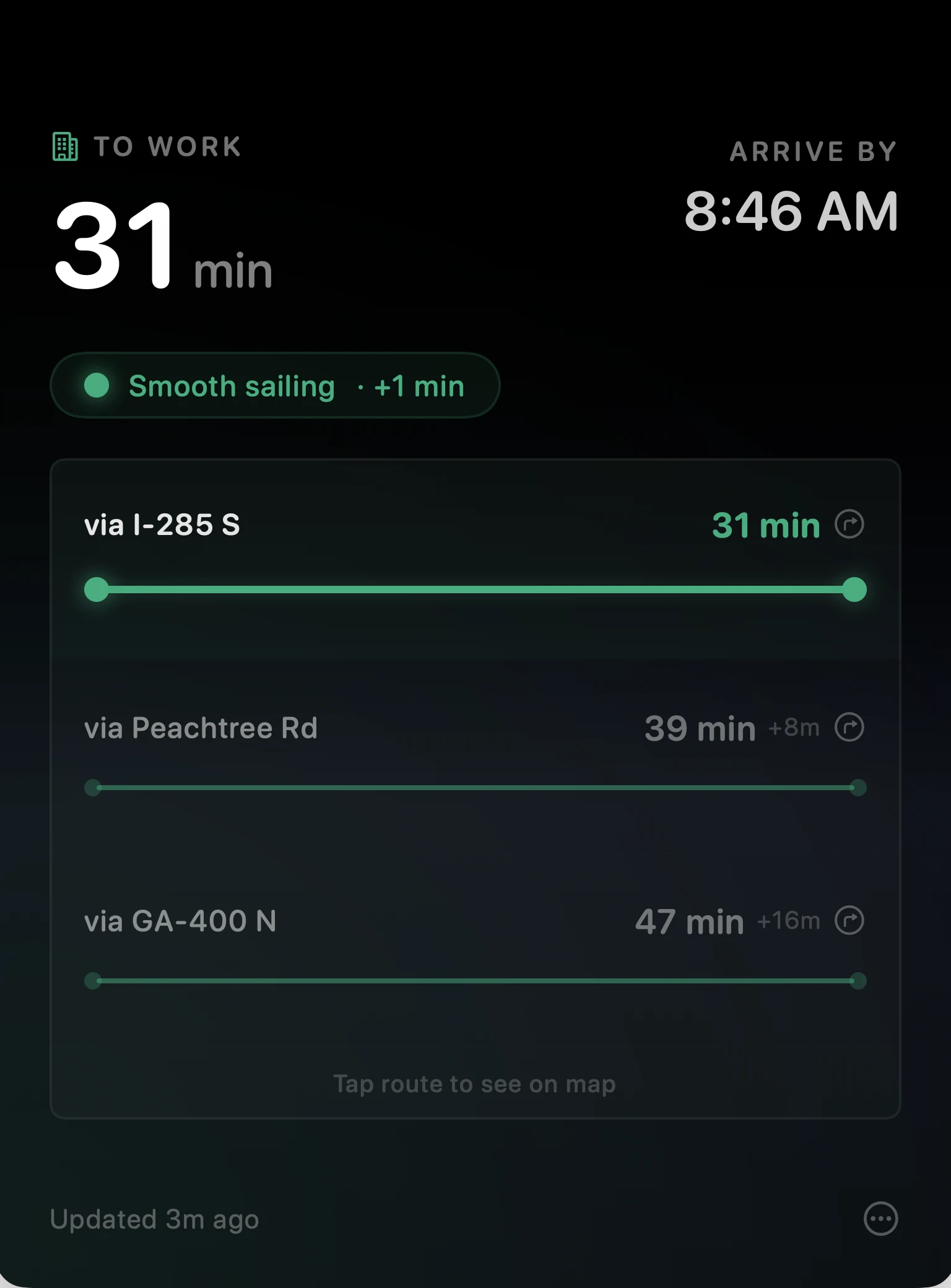
Click the marker for alternate routes, traffic conditions, and a live map.

 Clear
Clear

 Moderate

 Heavy
Heavy
Traffic has a mood
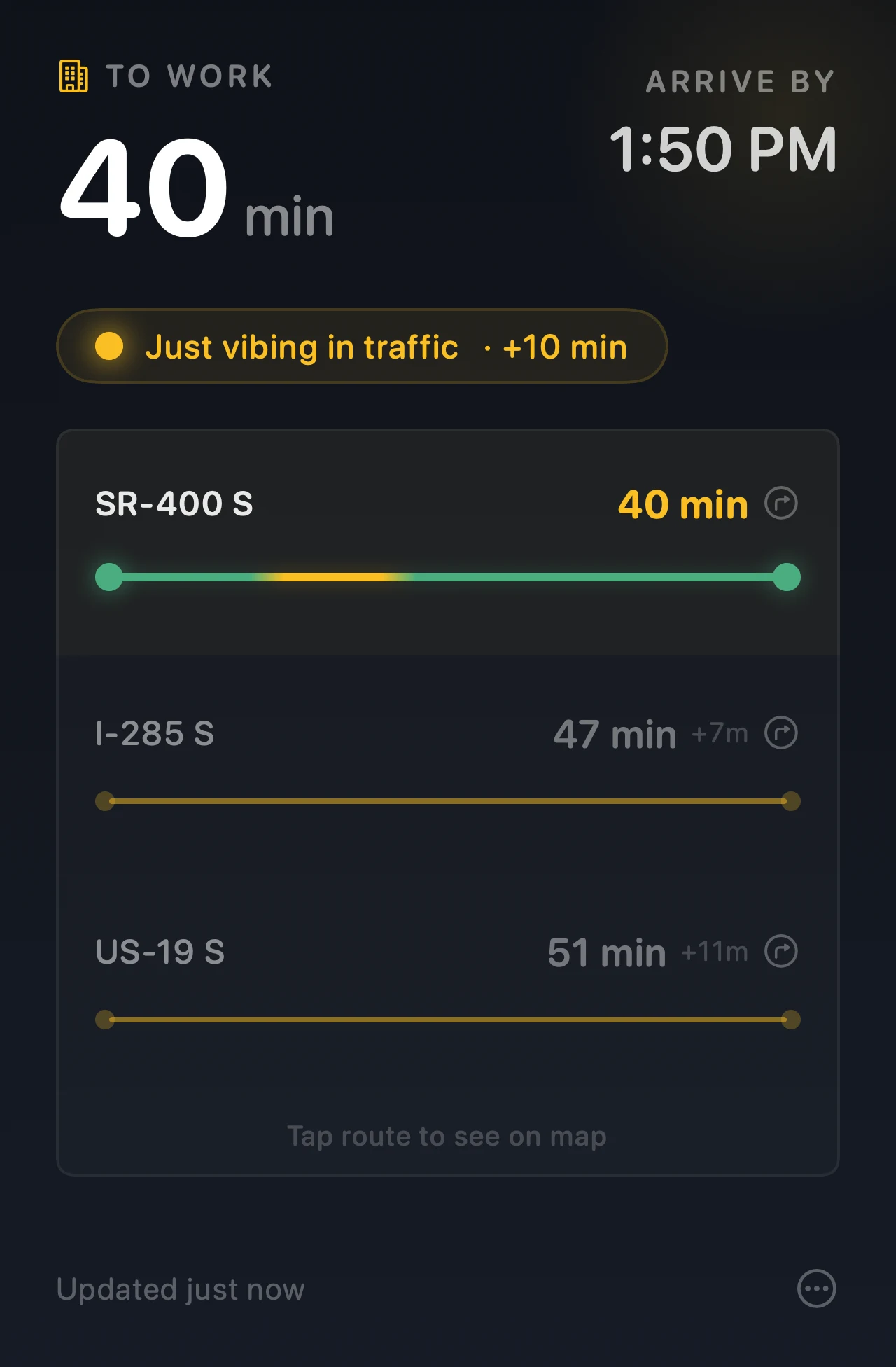
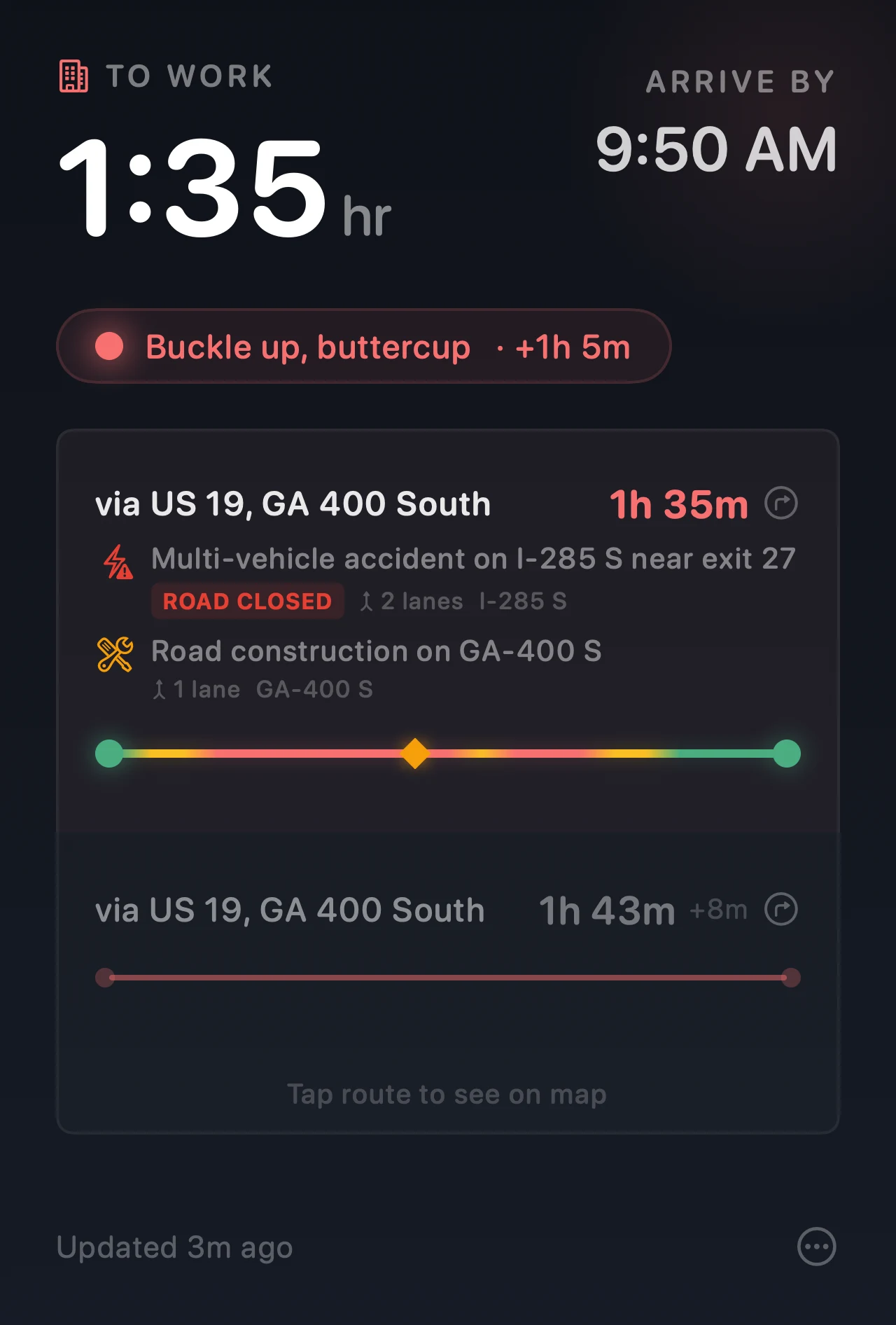
Arrival tells you what it is.
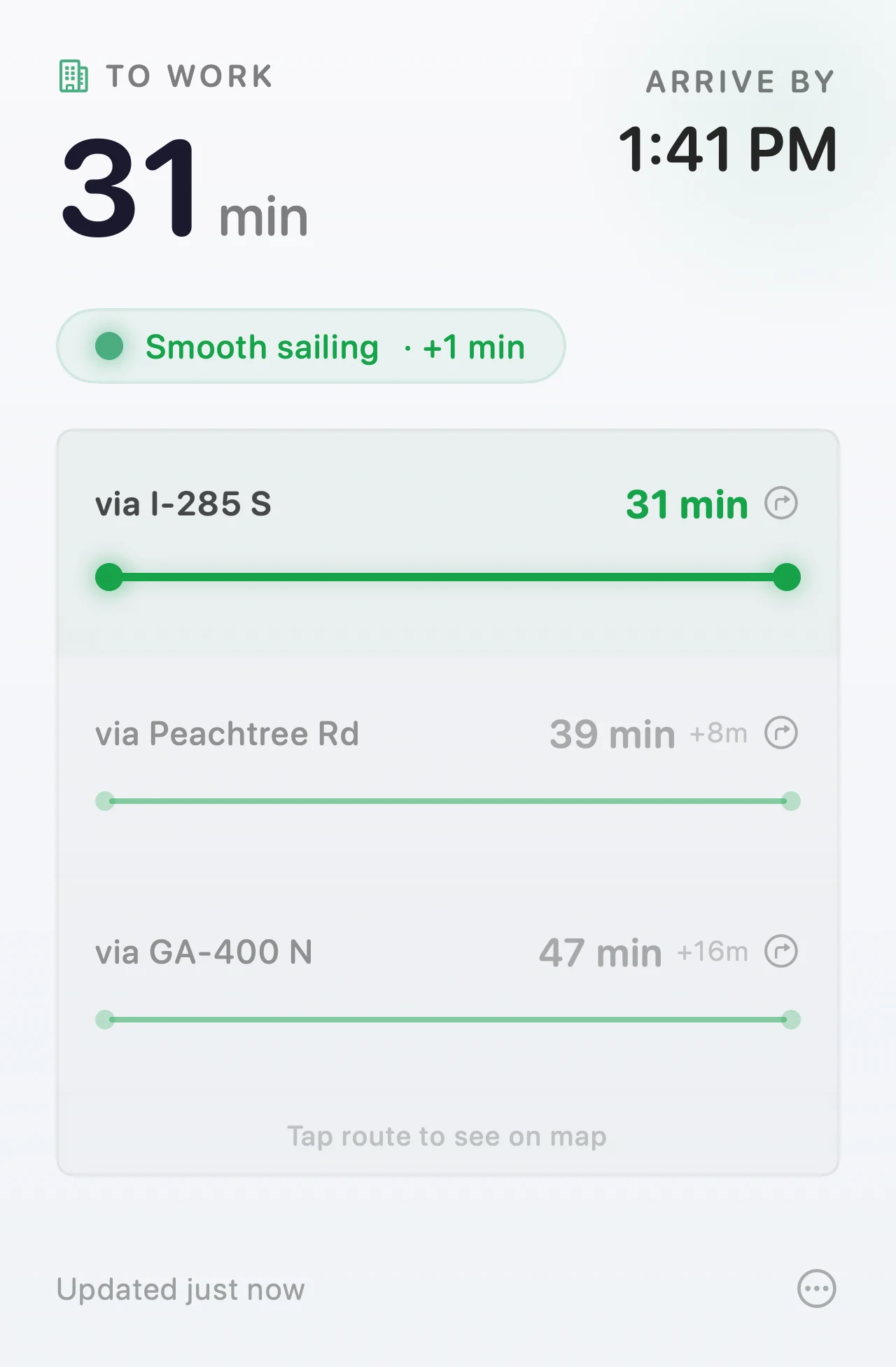
Every route comes with a mood, a one-liner about how the road is feeling.
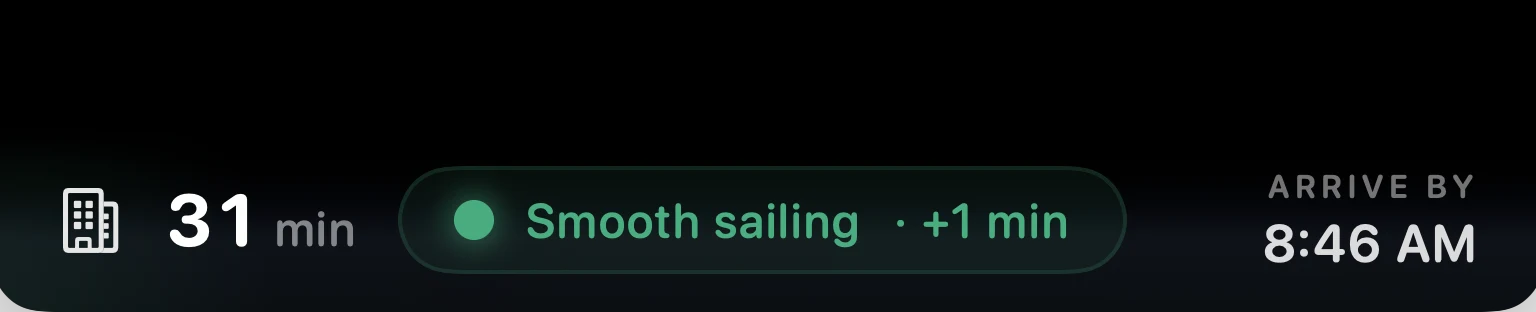
Notch HUD
Or live in the notch.
The space beside the notch usually sits empty. Arrival can live there instead of the menu bar, growing from a quiet bar to the whole popover as you ask for more. Park at work and it takes itself away for the rest of the morning. No notch on your Mac? You get the same HUD as a pill at the top of the screen.

Widgets
Or keep it on your desktop.
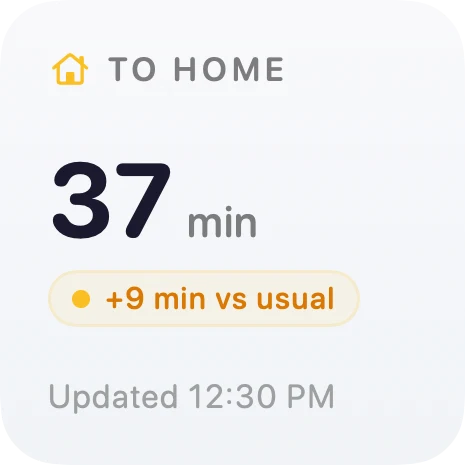
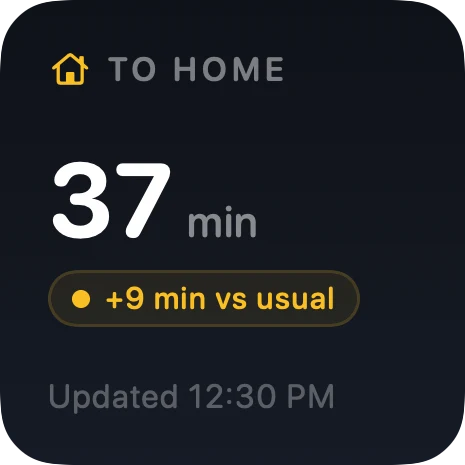
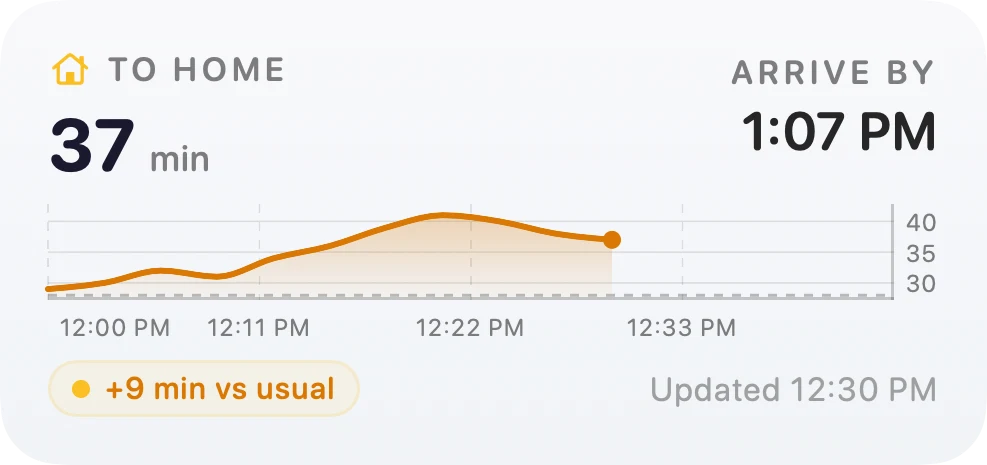
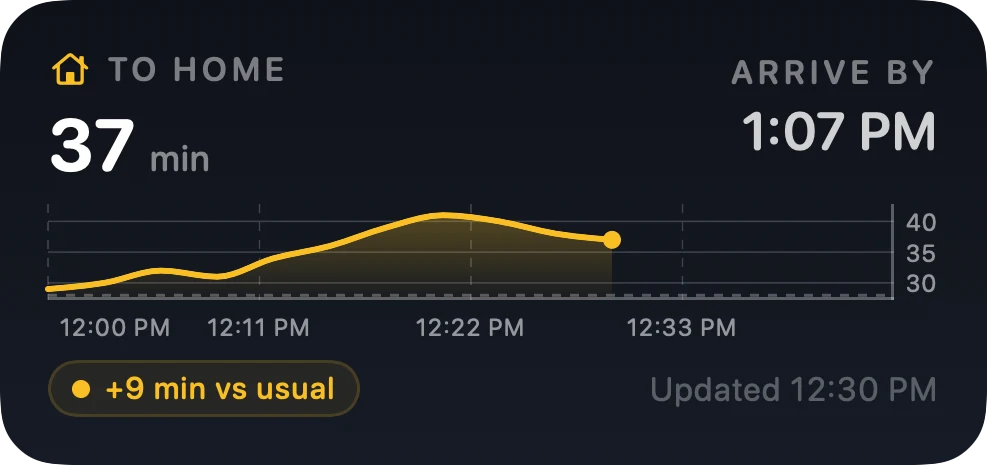
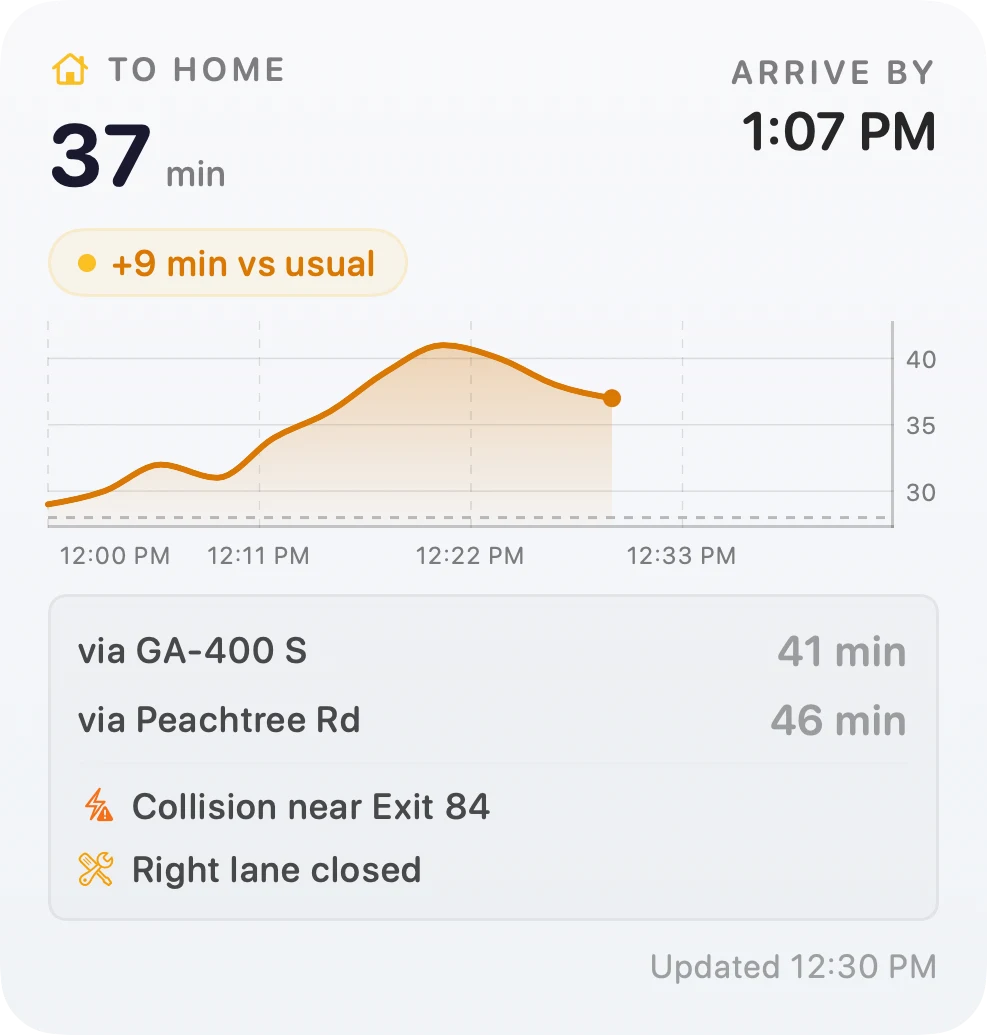
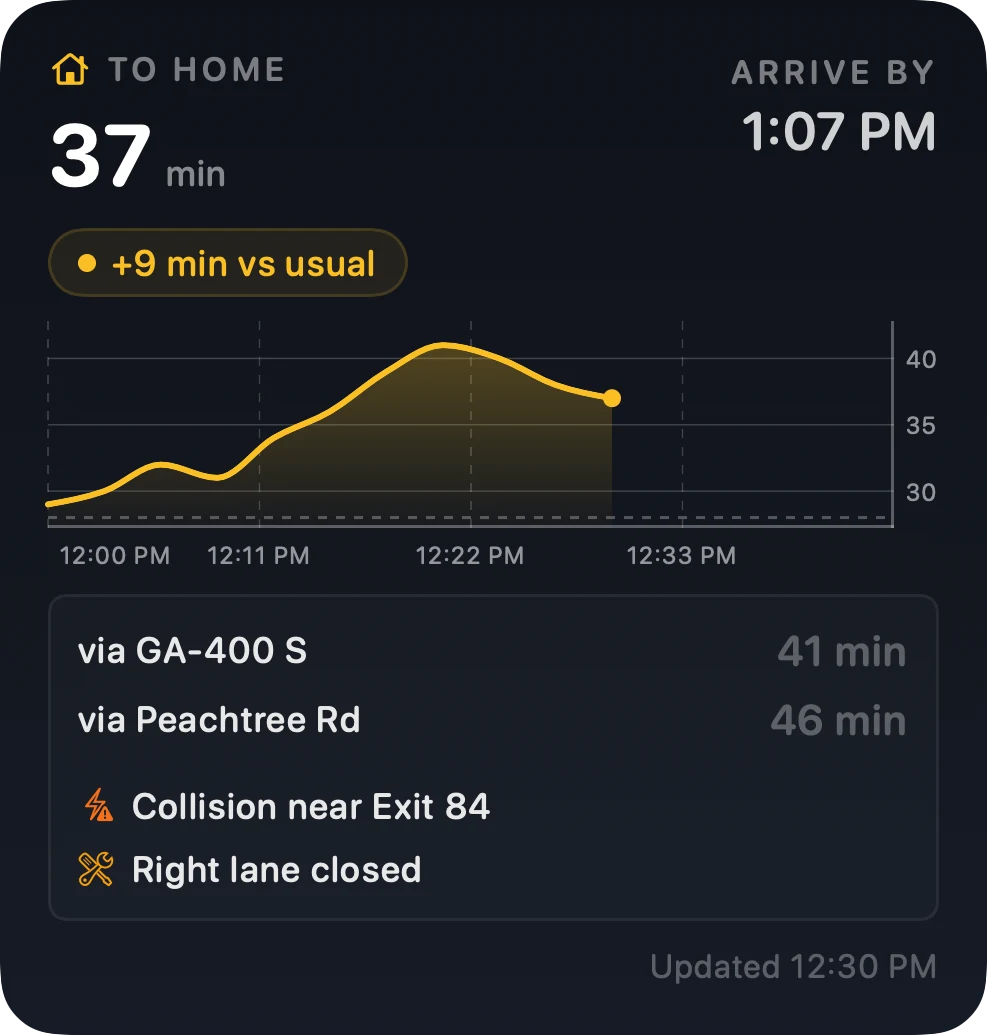
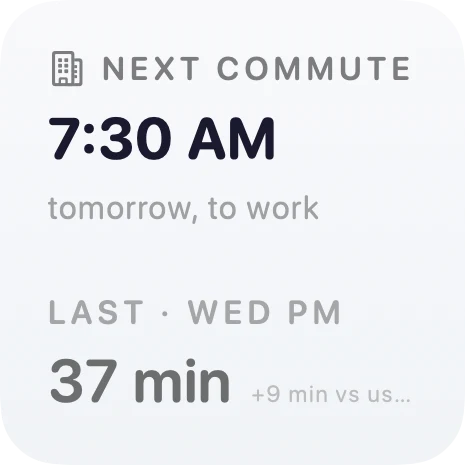
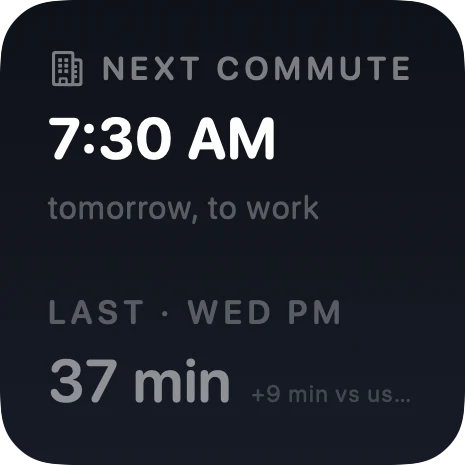
Three sizes, no setup. They fill in as your commute window runs, so you get the shape of the drive and not just this minute's number. Between windows they rest: the card leads with when your next commute starts, and keeps the last one below it as history.
Traffic Map
See the full picture, live.
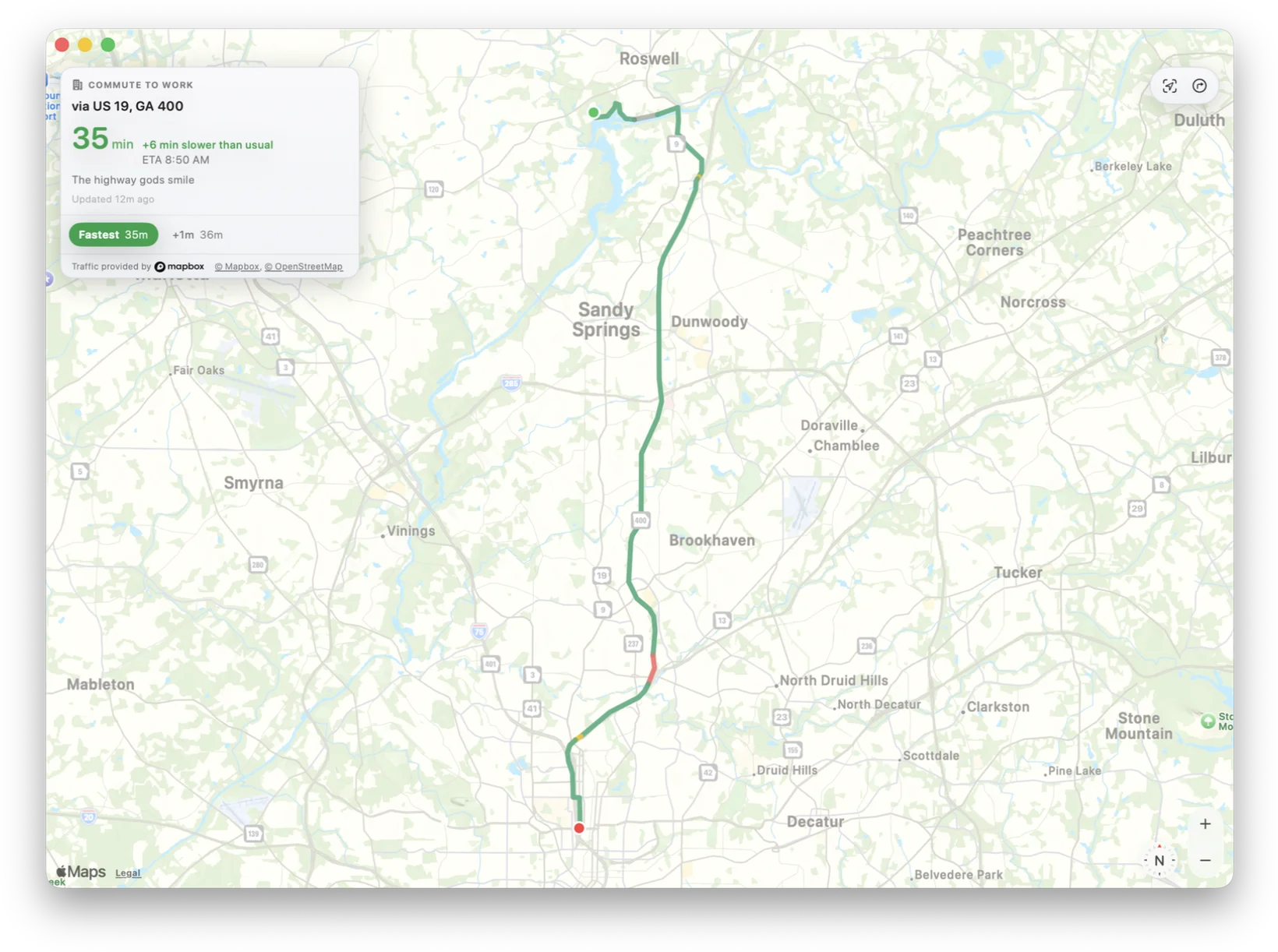
Open the map window and the map fills it, with one panel floating on top: the drive, how far off your usual it is, your ETA, and your alternates. You can still pop the map open inside the menu bar popover.
- Your route drawn on the map, colored by how bad each stretch is
- Alternates with their own times, so you don't do the arithmetic
Works with Apple Maps out of the box. Want color-coded traffic on the map? Add a free Mapbox key. It takes 30 seconds.
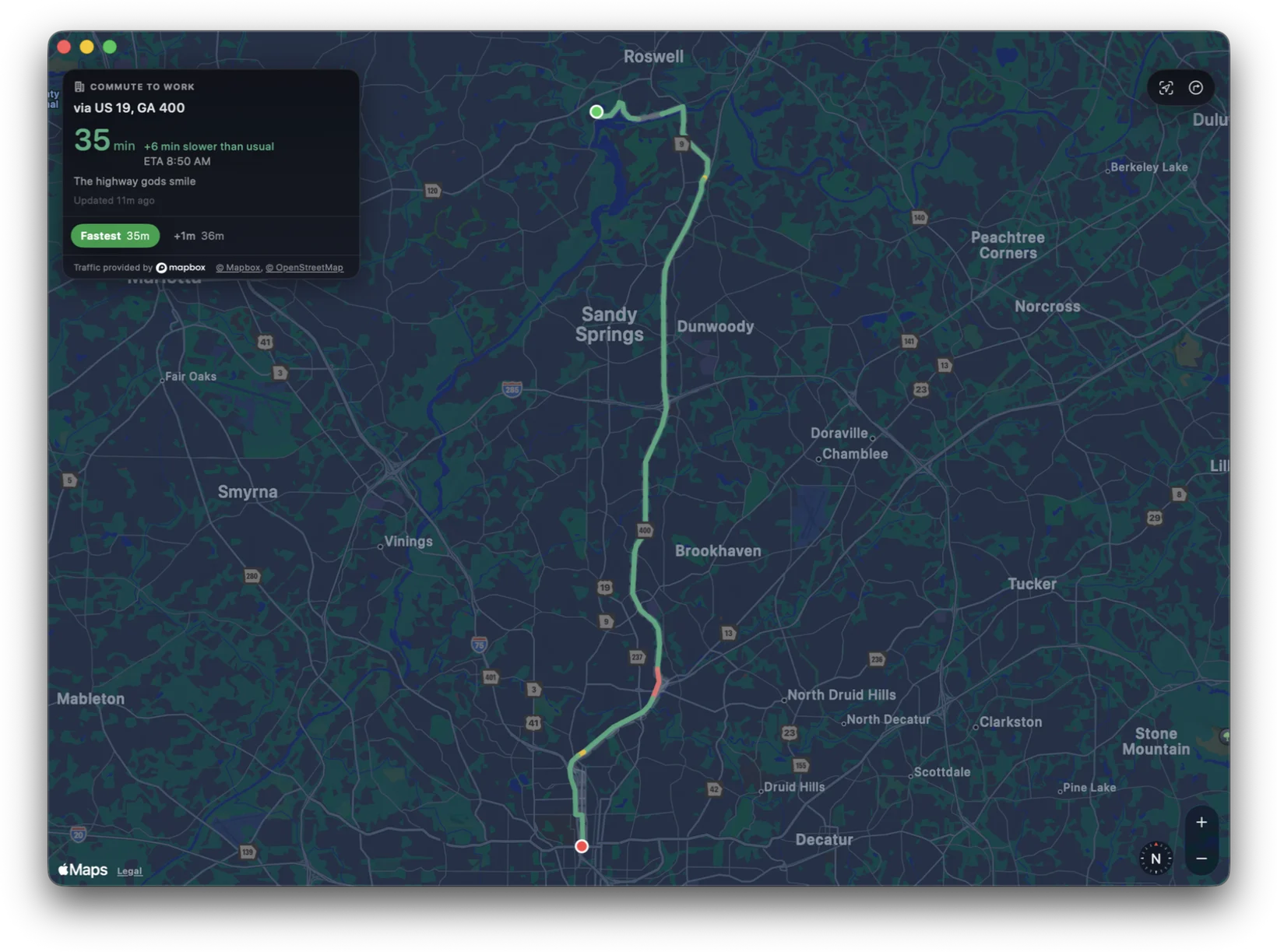
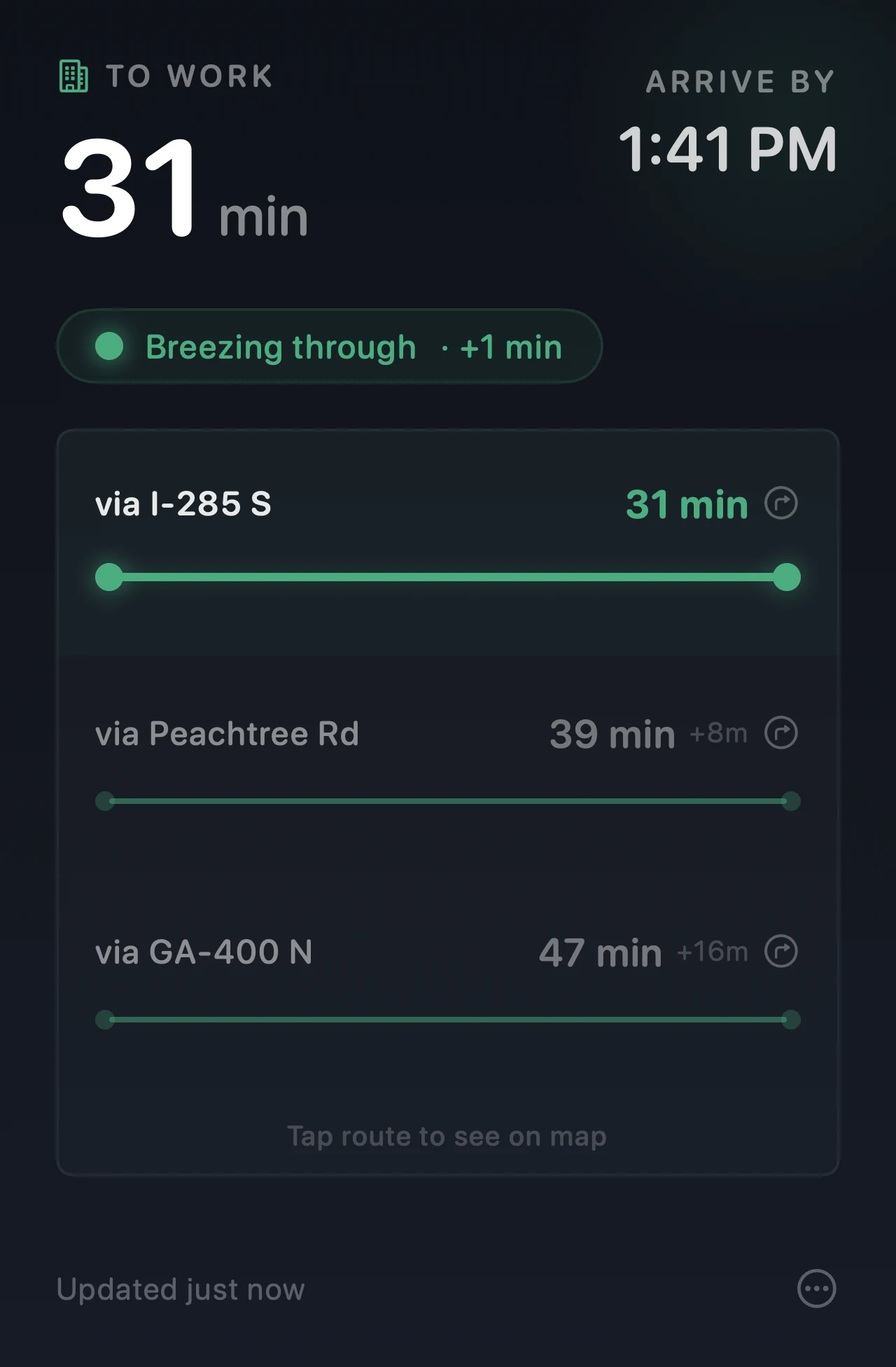
Dark mode.Light mode. Obviously.
Follows your system appearance. Mood colors look great either way.
Stop refreshing Maps.
Ready in 30 seconds. No account needed.
Get it on the Mac App StoreMade by a commuter who got tired of checking Google Maps every morning.
Privacy-first
Your commute, your business.
No personal data. No addresses. No location info. Ever.
Your settings and routes stay on your Mac. Arrival asks on first launch before it sends anonymous usage stats or crash reports, and you can change that answer any time in General → Diagnostics.